
After a potential employee has applied to a job from the 'Job Posting' list, follow these steps to move to the 'Onboarding Classroom'.
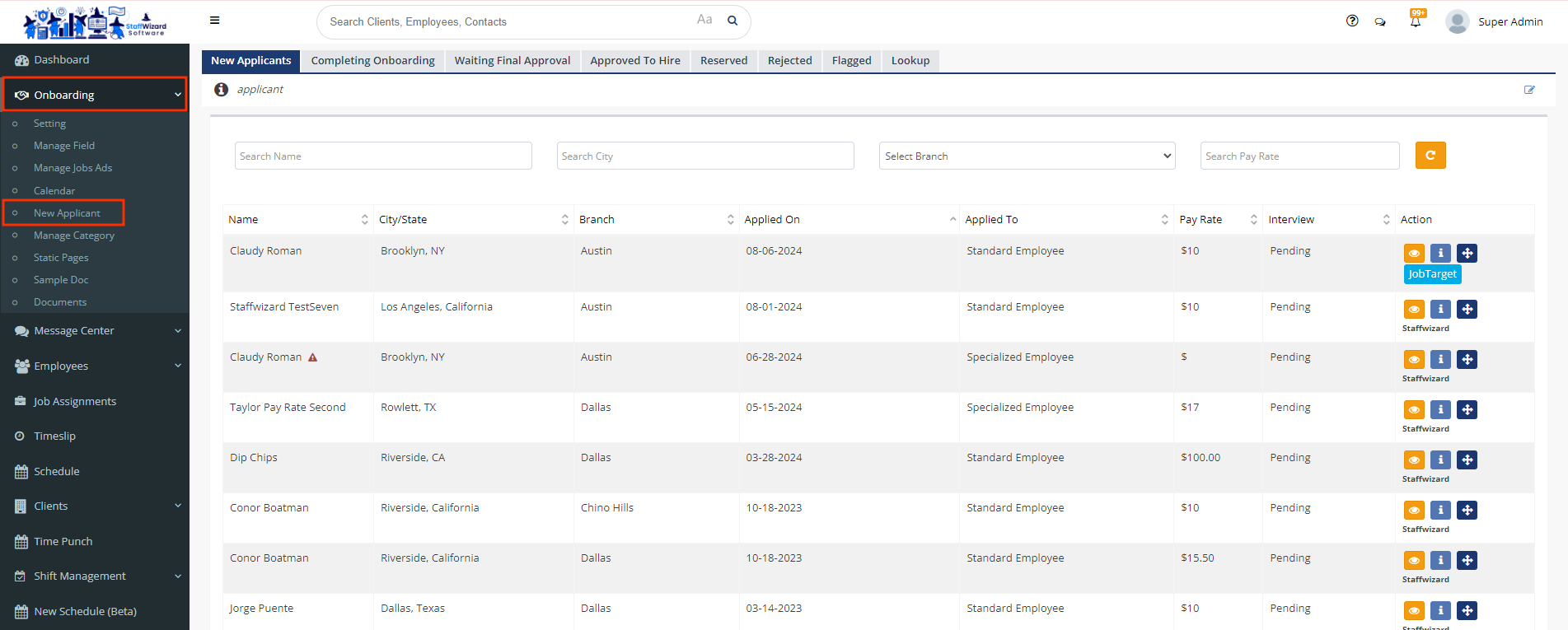
- On the main menu on the left-hand side of your Staffwizard page, click the"Onboarding" tab, and select the "New Applicant" section.
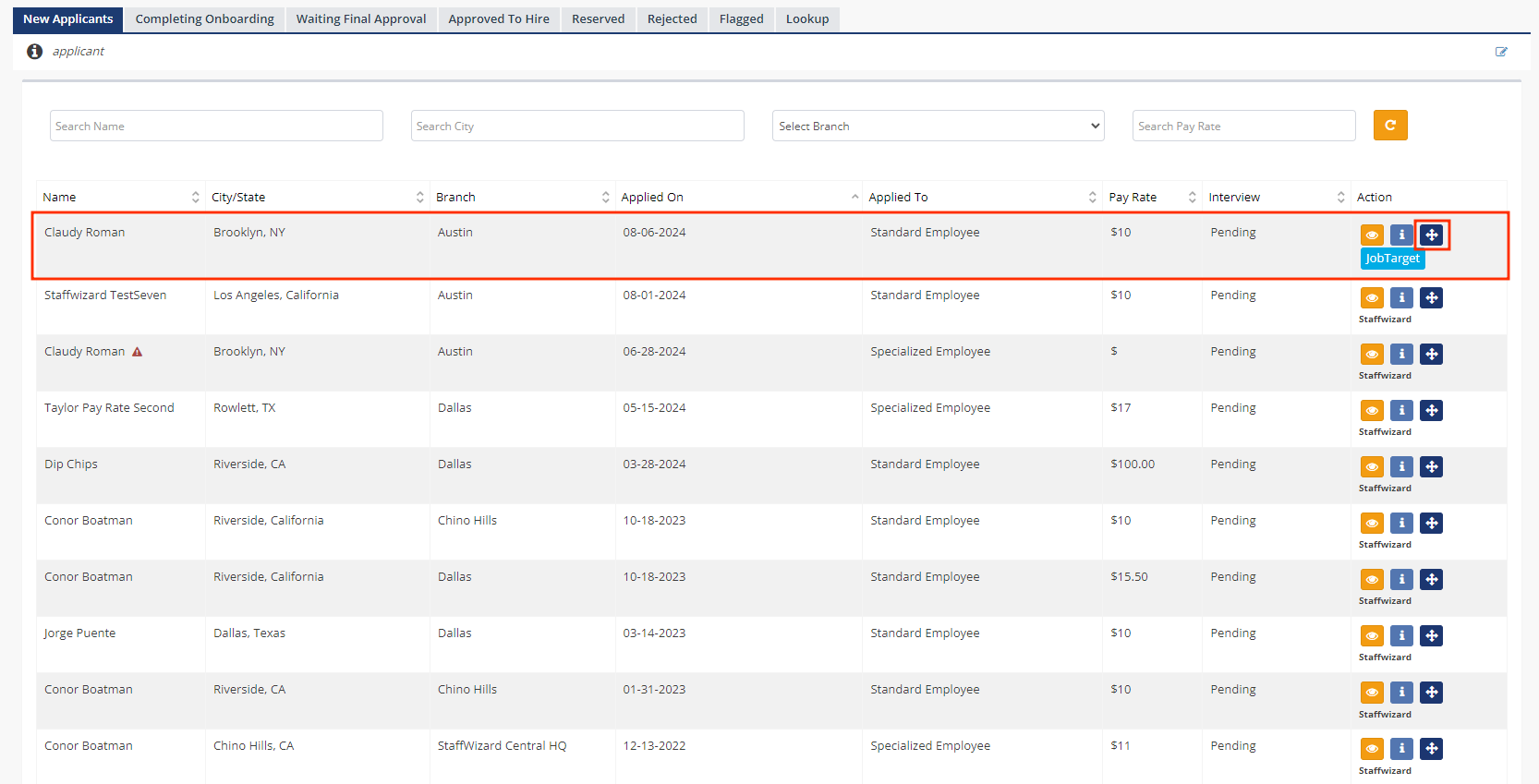
- Once you select the applicant who needs the Onboarding Paperwork, click the third button on the right-hand side of the applicant´s name.
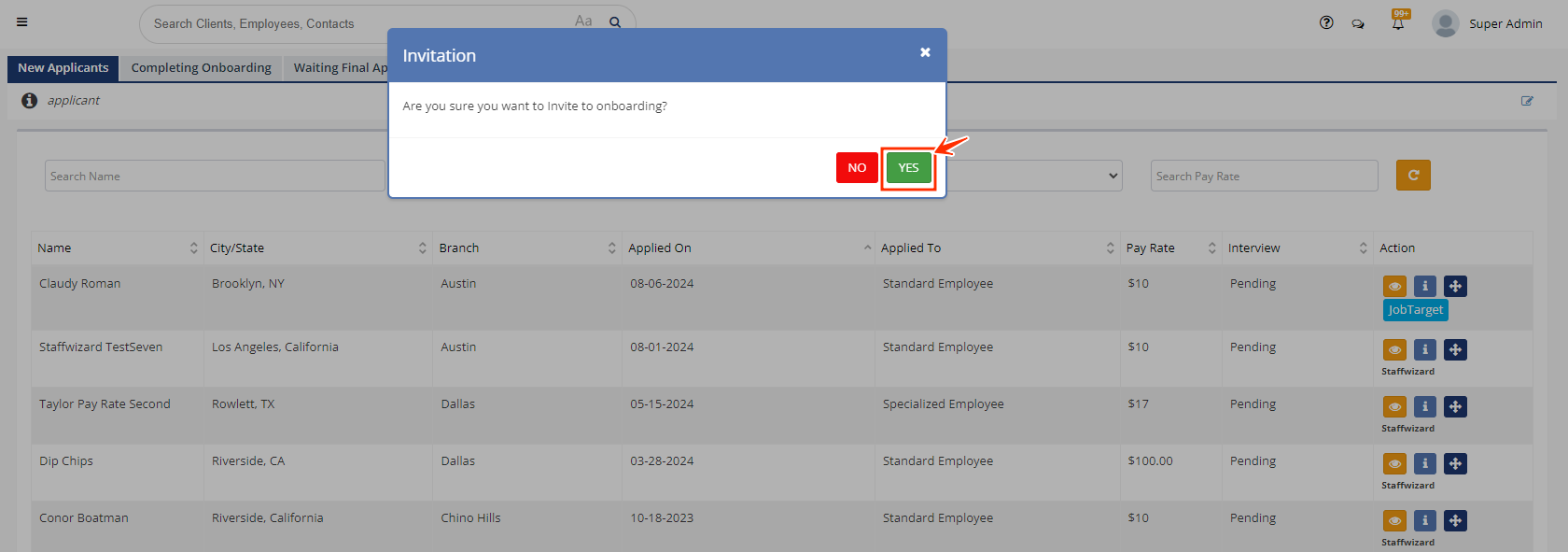
- Confirm the invitation to send the paperwork.
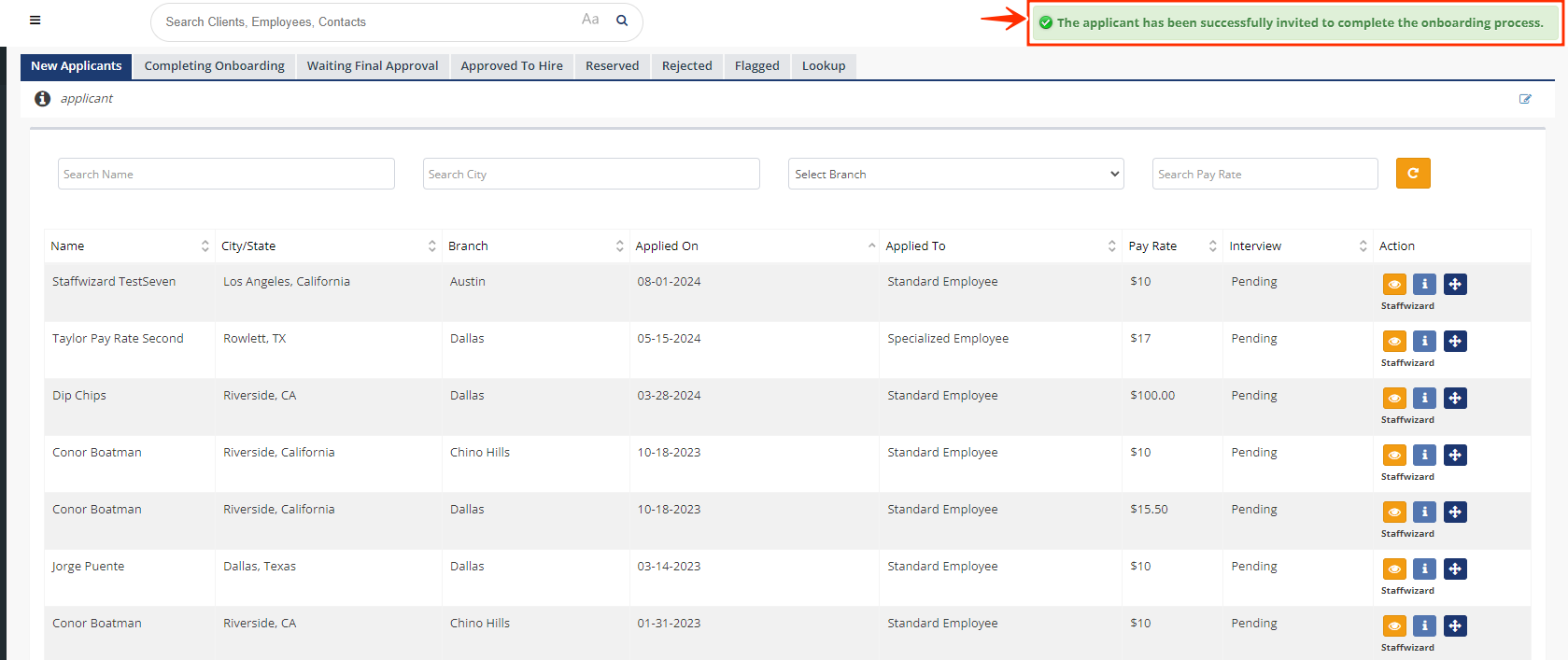
- After a few seconds, you will see the following text, confirming that the applicant received the paperwork successfully.
Related to