
1. Navigate to All Employee Profiles
Go to the section where all employee profiles are listed.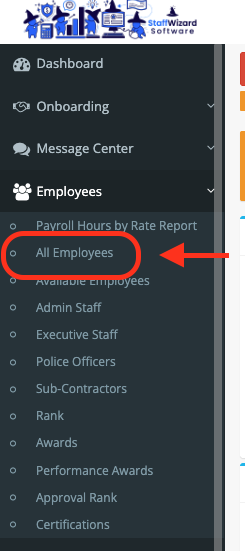
2. Locate the Mass Action Button
On the right-hand side of the screen, you will see a large blue button labeled “Send Login Credentials.”

3. Send Credentials
Clicking this button will give you an option to choice: who is sending it, Which Branch to send to and which employee type to send to (Admin or Employee).
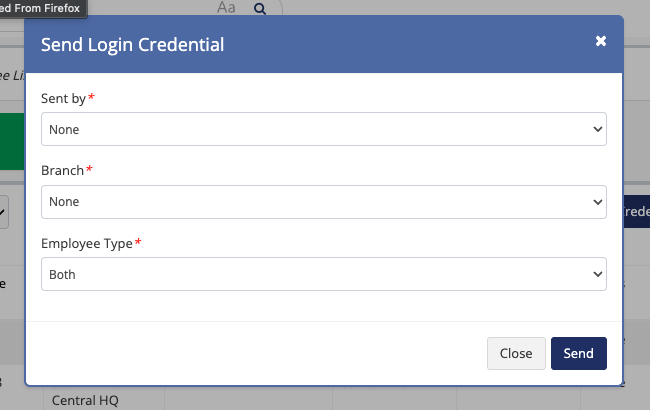
⚠️Important Note: Use this button with caution. Pressing it will:
- Trigger a mass email to all guards and employees.
- Reset and change all passwords for those accounts.
Related to