
Start a Patrol:
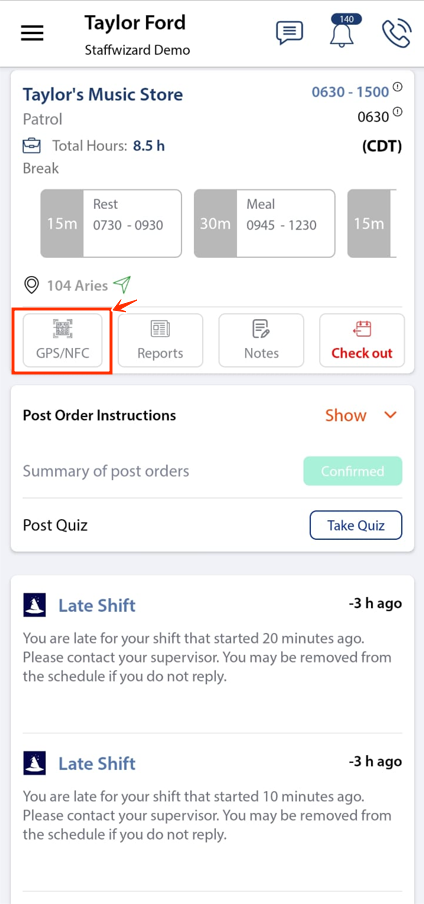
- While in the 'Current' shift view, select the 'GPS/NFC' button.
Select Checkpoint Type:
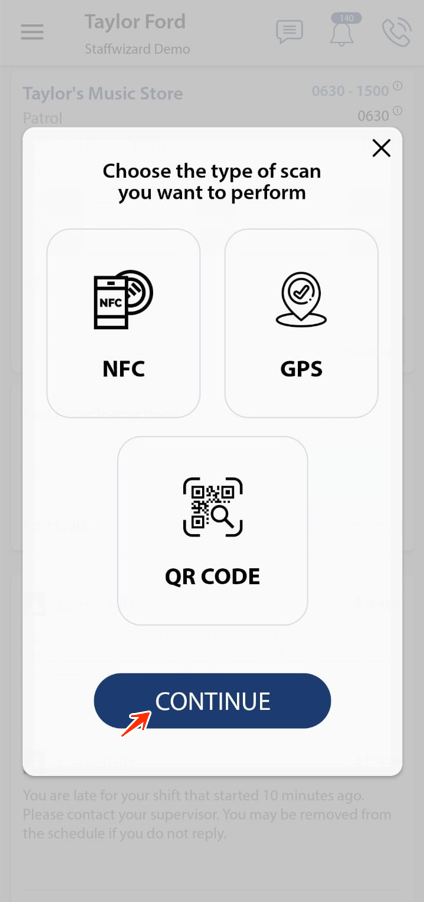
- Choose the type of checkpoint you will scan: NFC, QR Code, or GPS.
Scan Checkpoints:
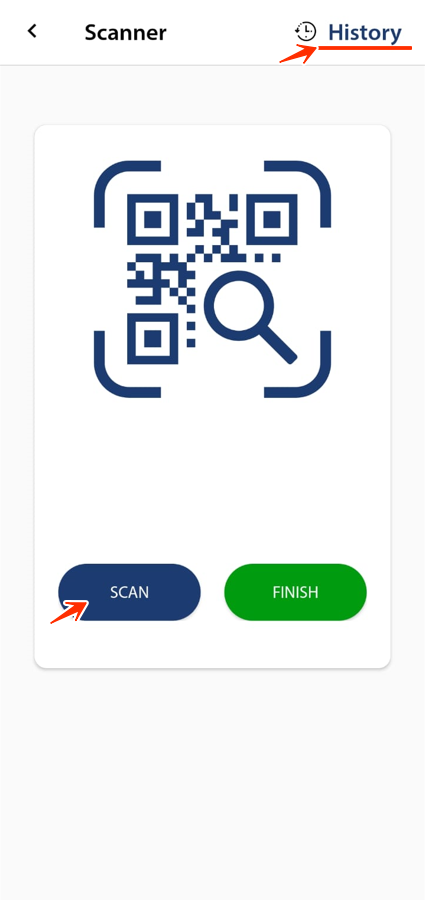
- Tap 'Scan' to begin scanning checkpoints.
- To review scanned or unscanned checkpoints, tap the 'History' button in the top right corner.
Complete the Patrol:
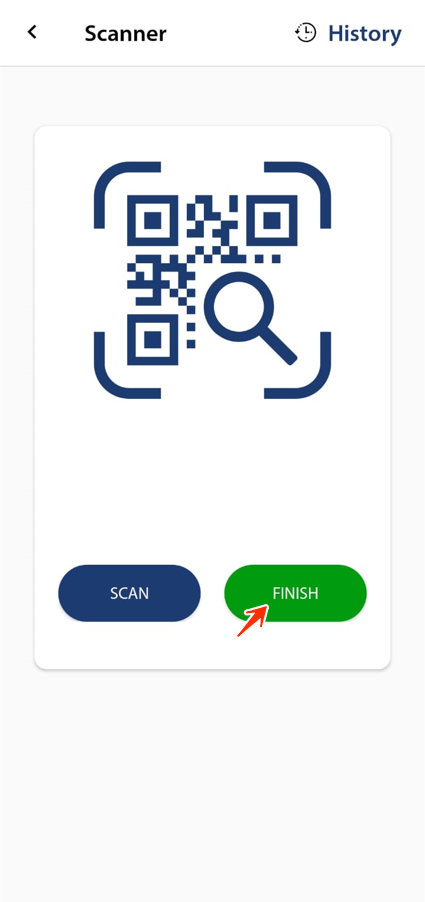
- After all checkpoints are scanned, select 'Finish' to end the patrol.
Related to